
SpyderBot Documentation
Monitor the questions and changes that matter
You want to know when your brand's position changes without repeatedly checking AI answers by hand. Useful monitoring starts with a decision you would make if something changed.
Your outcome: an active observation program with a clear scope, a responsible reviewer, and a rule for what deserves investigation.
Choose the right entry point
| Your objective | Start here |
|---|---|
| Track a defined brand benchmark | In Universe, use Build AI Visibility Benchmark, review its scope, and Start Observing. |
| Track selected customer questions or an opportunity | Use the relevant Observe Selected handoff from Universe. |
| Follow a question investigated in Explorer | Use the supported observation handoff, preserving its Context. |
| The questions are already being observed | Review the existing compatible program before creating another. |
A benchmark does not require an Explorer run first. An Explorer result can inform what to monitor, but it is not automatically an Observatory baseline or historical observation.
1. Define the decision and scope
Write what you want to detect and what you would do about it:
"If AI repeatedly describes our integration as export-only in the small-business context, the product-marketing owner will investigate the claim and cited information."
Then confirm the brand or target Context, questions, market, language, and AI systems available for the program. Use a separate compatible program when the business scope materially differs. Keep each program within its supported Context boundaries.
Use Monitoring Value and the system's recommendations when available to select questions. A question deserves recurring observation when changes could affect an ongoing decision, not merely because it is interesting once.
2. Review the proposed observation set
For a benchmark, inspect the proposed scope and the relevant types of measurement:
- Discovery Visibility: whether AI introduces the brand in relevant unseeded questions.
- Brand Understanding: how AI describes the brand when the question supplies brand context.
- Competitive Capture: whether the brand appears as an alternative in competitor-led questions.
Keep those interpretations separate when reviewing results. Review Core and Supplemental selections and competitor scope where presented. You do not need to re-enter the benchmark questions in another workflow after starting observation.
For a focused program, inspect the selected questions in the handoff and choose a compatible destination where offered. Check for duplicates before adding them to an existing program.
3. Set a schedule your team can use
Review the available cadence, system coverage, and displayed recurring usage before activating. Choose a schedule that matches the decisions you can actually make and the resources you can sustain.
A fast-moving launch may justify closer review than a mature product with infrequent changes. More frequent execution is useful only if the additional observations inform a decision. Schedule availability and usage depend on the options shown in your account.
Assign a reviewer and a backup. Keep an internal review rule alongside the program; it need not be a custom alert rule in the product.
| Signal | Reviewer response |
|---|---|
| Relevant change with supporting evidence | Open the change and assess its scope and persistence. |
| Important factual error | Verify the claim promptly; a factual correction may be justified without waiting for a broad trend. |
| Narrow or weakly supported movement | Retain the observation and identify what would justify escalation. |
| Missing or failed observations | Check monitoring health before interpreting performance. |
4. Check the first observation
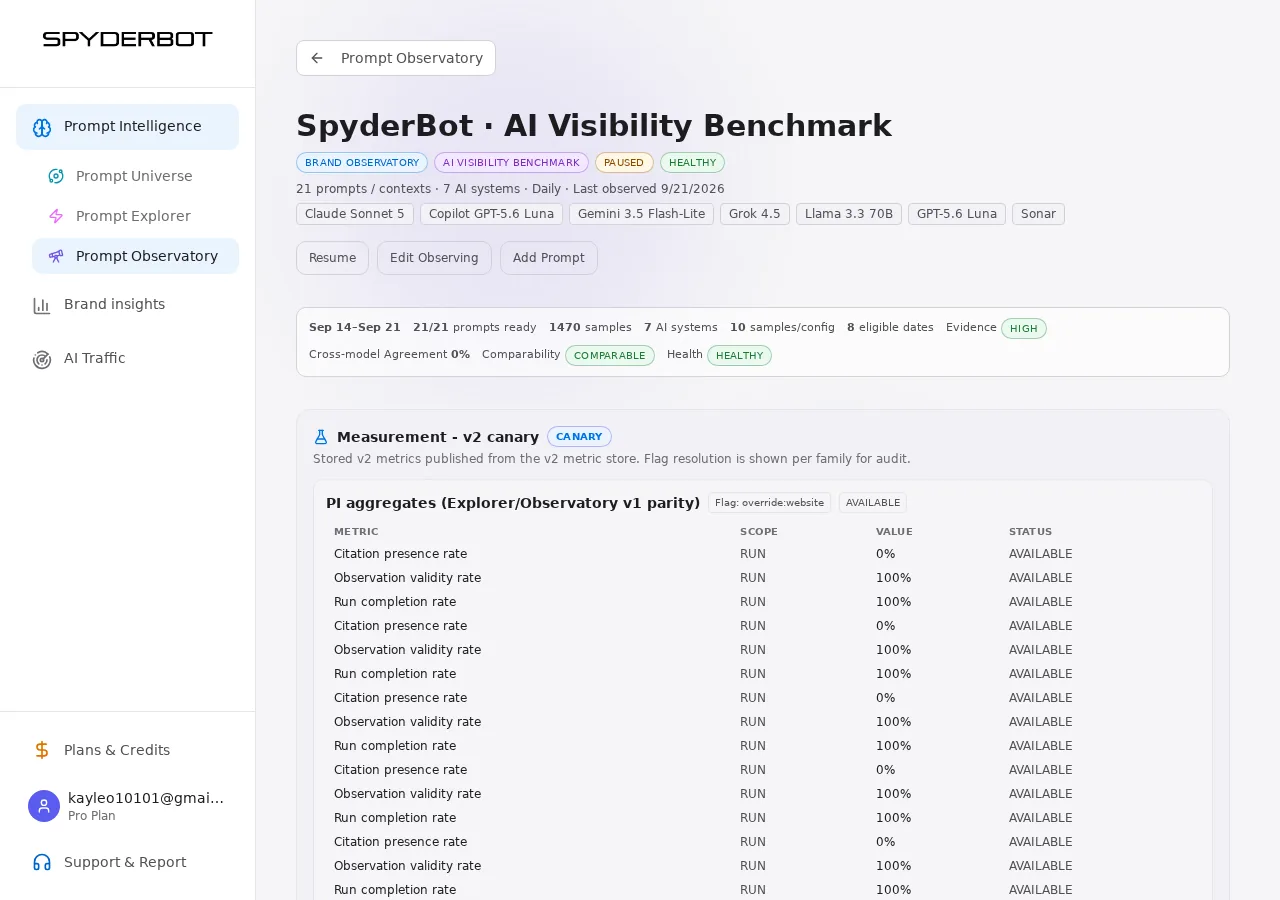
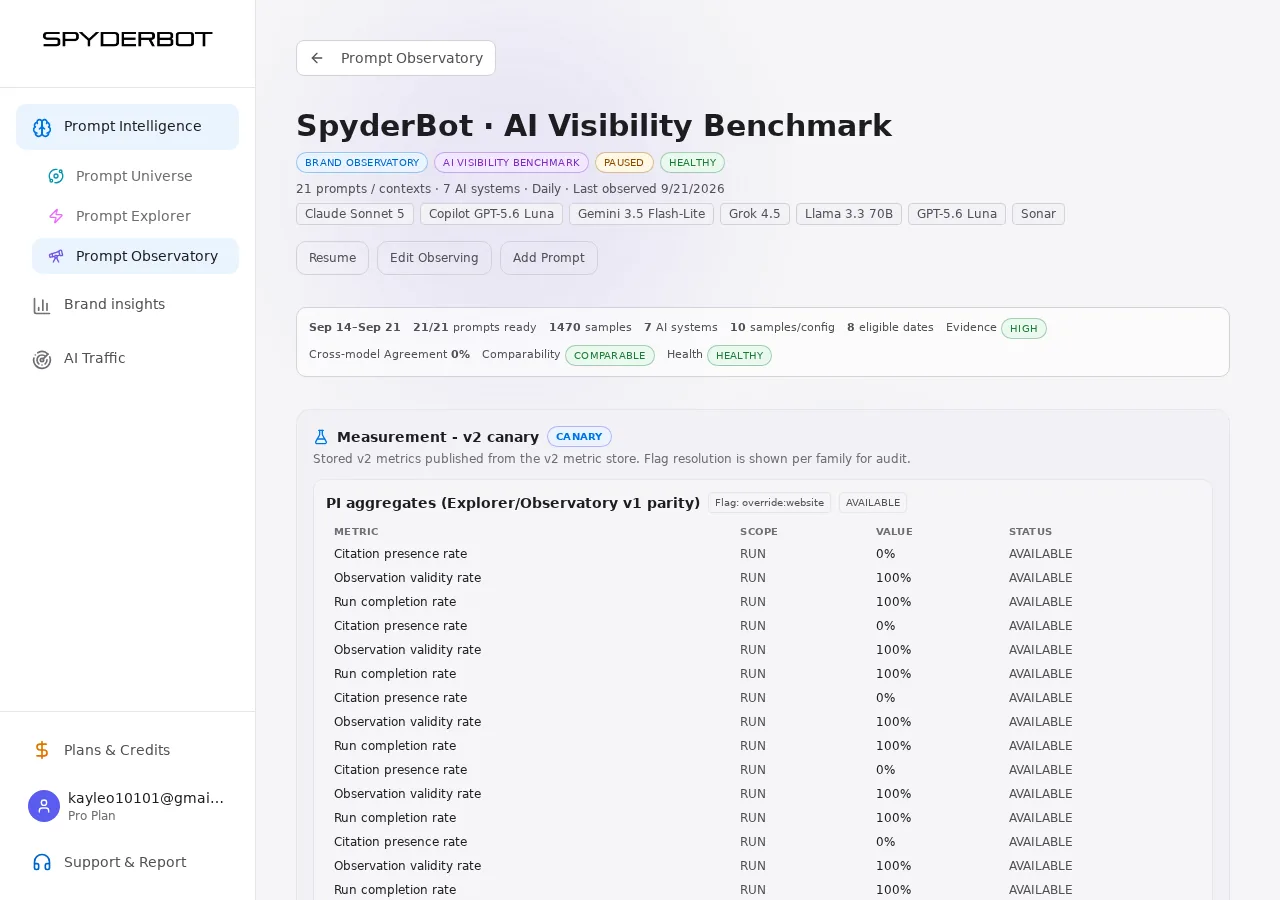
Open the program after its first execution. Confirm that the intended questions and systems have observations and check any health or coverage indicators.
Read the Intelligence Brief in Overview. Use Prompts or Evidence to investigate a scope mismatch or missing result. A configured program without a valid observation has not yet established a measured baseline.
The first valid observation describes a starting point. A change requires a suitable earlier observation for comparison. If some expected evidence is missing, fix or investigate that coverage rather than calling the absent result a drop.
5. Keep the program decision-ready
If monitoring creates more work than your team can review, first check for duplicate or overlapping programs and questions no longer tied to a decision. Review the available cadence and usage for those programs. Keep important unanswered needs visible; do not reduce the set solely by removing questions with unfavorable results. Record any scope change before interpreting subsequent trends.
At the agreed review time, read the brief first and open Changes when a finding warrants attention. Follow Investigate a change in your AI visibility for the detailed diagnosis.
Illustrative example. A retailer monitors product-selection questions in one market. Its owner checks the brief on the agreed schedule. A supported change in recommendation triggers investigation; a failed observation triggers a measurement check. The owner does not rewrite category pages in response to every fluctuation.
When business scope changes, review the question set and record the change. Use only comparisons the product supports across that transition. If a program no longer informs any decision, review its scope or pause it through the available controls rather than continuing recurring work by default.
You are done when the intended scope has a valid observation, a reviewer knows what to watch, and a clear next step exists for a meaningful change or monitoring failure. After setup, review remains part of the operating routine.